How We Invented Sheet2Pages: the Google Sheets™ Add-on for Programmatic SEO
At CapGo.AI, our mission has always been to help businesses scale their organic traffic through cutting-edge SEO strategies. Until now, our focus has been on delivering full-service solutions—from strategy to execution—because we knew hands-on support was the fastest way to deliver tangible results for clients.
- Our website: https://sheet2pages.com/
- Our Google Sheets Add-on: https://workspace.google.com/marketplace/app/sheet2pages_programmatic_seo_ai_sheets_c/449425405643?flow_type=2
But something unexpected happened along the way.
Over time, we noticed that many of our long-term users began building their own systems. These power users became increasingly sophisticated. They understood the logic behind Programmatic SEO. They started creating templates, managing variable data, and generating pages at scale using their own workflows. And almost every single one of them had one thing in common:
They were using Google Sheets.
Why? Because Google Sheets is the perfect interface for Programmatic SEO:
- Every row becomes a webpage.
- Every column becomes a dynamic variable.
- It allows easy collaboration, editing, and scaling.
- It integrates well with a variety of workflows and tools.
That insight sparked the creation of our Google Sheets™ pSEO add-on.
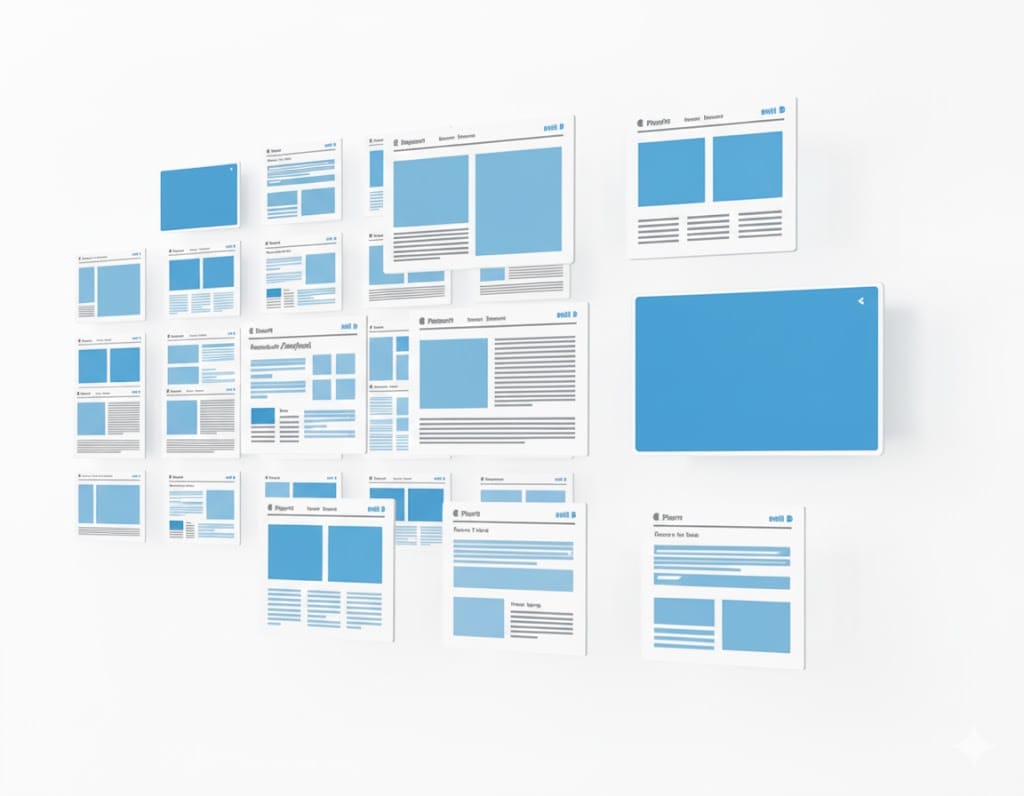
Instead of relying solely on our team for execution, we wanted to empower marketers, SEO professionals, and no-code builders to take control of their own growth engines. With this tool, you don’t need to write code or manage a CMS. Just paste in your HTML template, map the variables to your sheet, and click publish. Each row becomes a fully optimized landing page in minutes.
This isn’t just about automation. It’s about speed, control, and creativity:
- You can launch campaigns faster, without waiting for engineering or content teams.
- You can test variations of content and layouts with ease.
- You can maintain consistency while scaling across thousands of keywords.
We built this tool with a clear vision: to democratize Programmatic SEO. Whether you're a solo founder, an agency marketer, or part of a large SEO team, you can now tap into the same scalable strategies that top enterprises use—with zero code and zero setup overhead.
It supports all major platforms including WordPress, Shopify, Webflow, Framer, Squarespace, Wix, and more. With CSV upload support, it's as flexible as your imagination. You can use it to build:
- Location-based landing pages
- Long-tail product or service pages
- Comparison and recommendation content
- Content hubs for international SEO in multiple languages
And it works at every scale. Whether you're launching a small local campaign or a global SEO initiative, our add-on helps you maintain brand consistency and performance across the board.
This shift from services to tooling also reflects a broader trend in the market. As AI and automation reshape digital marketing, we believe the next wave of growth will come from enabling creators, not just serving them. Our add-on is a direct response to that belief.
From doing SEO for our clients, to enabling them to do it themselves at scale—this is the future of Programmatic SEO.
If you're looking to launch your own Programmatic SEO system without technical overhead, this tool was made for you. It’s the product we wish we had when we started—and now it’s yours to build with.